
README.md
goLLab - A Collaborative Document Editor
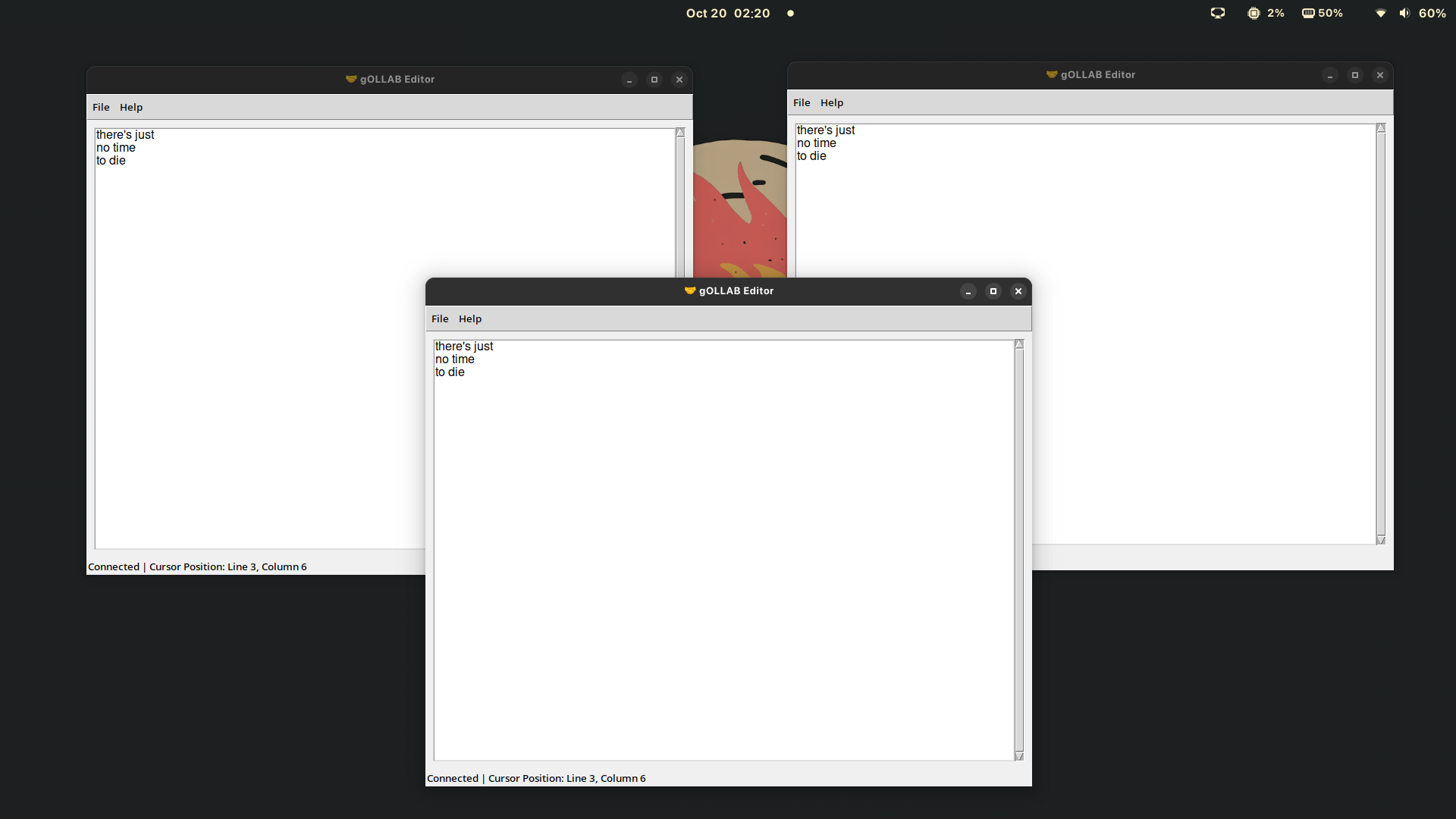
This project is a collaborative document editor with a client-server architecture using gRPC for communication.
Preview
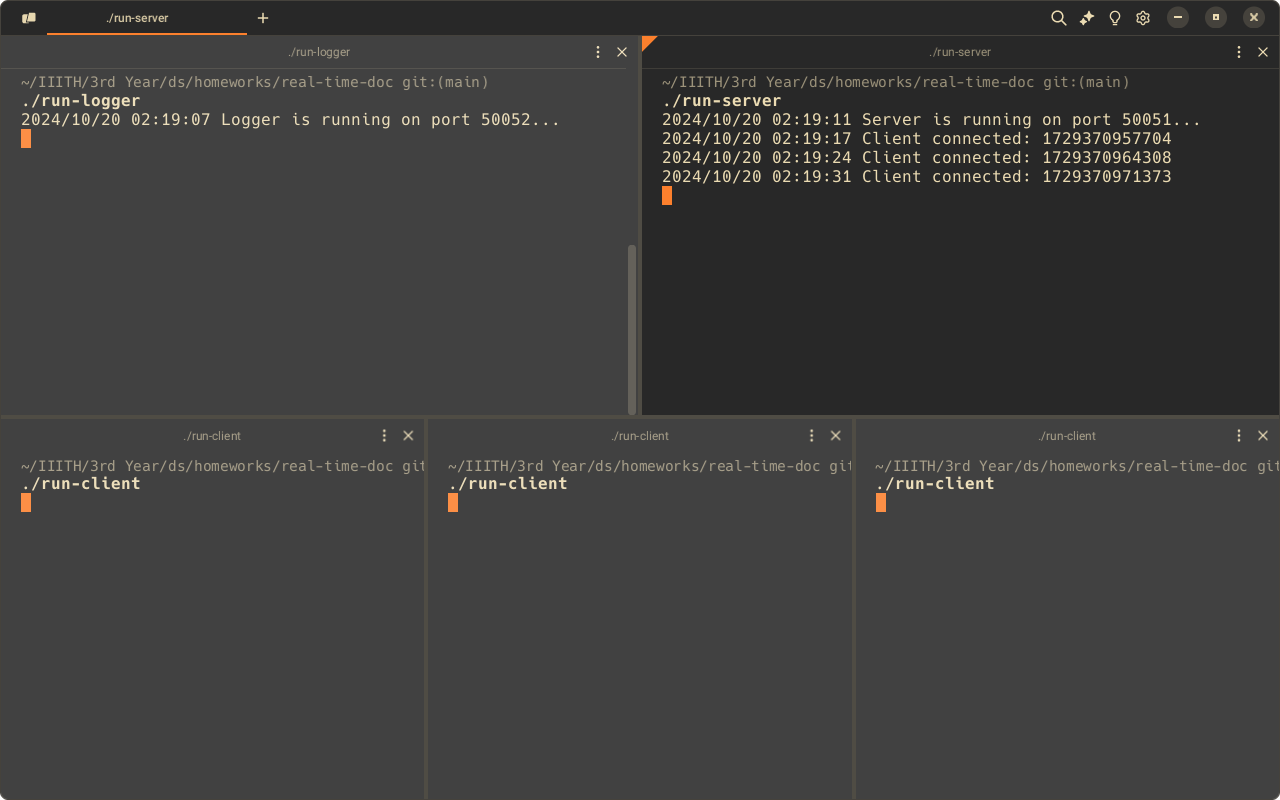
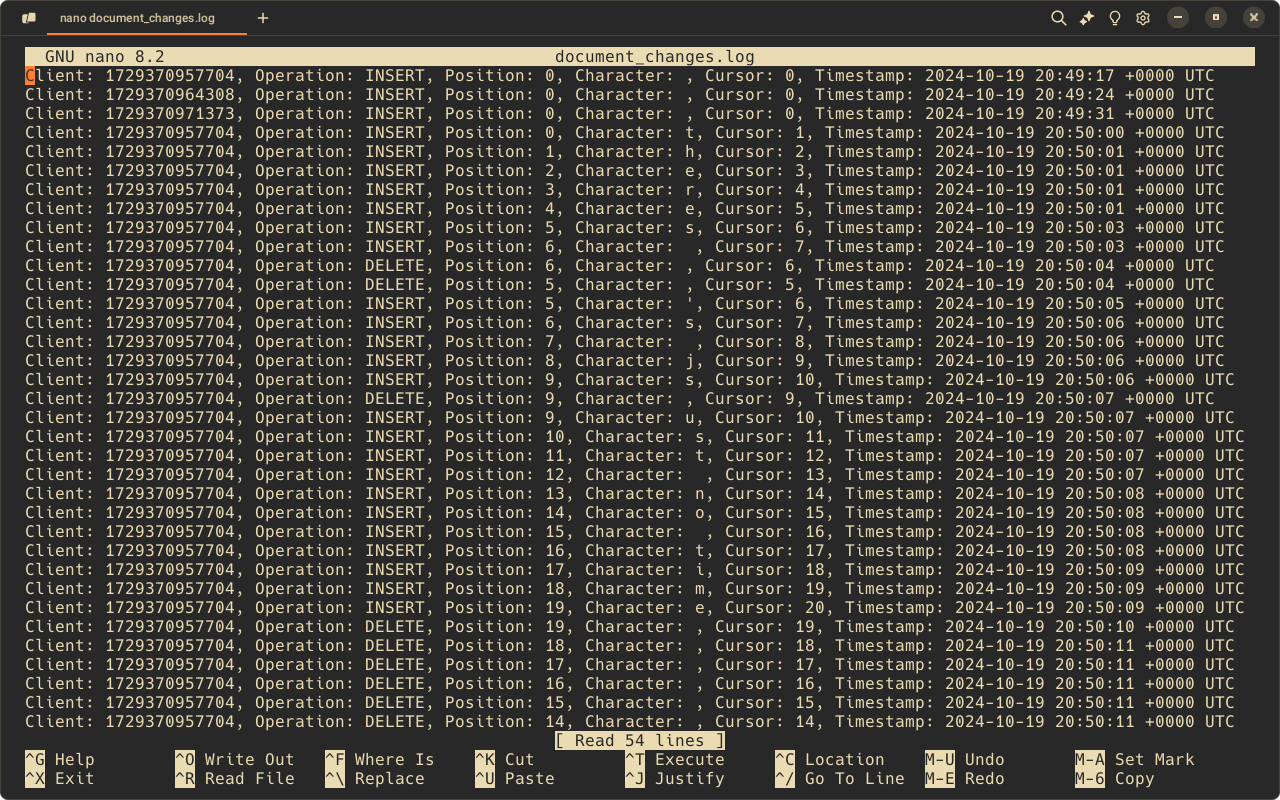
| Terminal Preview | Client Preview | Logs Preview |
|---|---|---|
 |  |  |
Quick Navigation
- PROBLEM.md: Original problem statement
- REPORT.md: Project report
- STRUCTURE.md: Project structure
- Stable Release: Download the stable release
- Quick Start: Instructions for running the latest version
Quick Start
To quickly build and run the project:
-
Make the build script executable:
chmod +x toBuild.sh -
Run the build script:
./toBuild.sh
This will create three executables: run-client, run-logger, and run-server.
Run them in the following order:
run-loggerrun-serverrun-client(you can run multiple instances of this)
Manual Setup and Running
If you prefer to set up and run the components manually, follow these steps:
Prerequisites
- Python 3.x
- Go 1.x
- Make
Setup
-
Prepare the project:
make prep -
Set up Python environment:
python -m venv venv source venv/bin/activate pip install -r requirements.txt -
Tidy Go modules:
cd server
go mod tidy
Running the Components
-
Start the logger:
cd server go run logger.go -
In a new terminal, start the server:
cd server go run server.go -
In another terminal, run the client:
python client/client.py
Project Structure
client/: Contains the Python client codeserver/: Contains the Go server and logger codedocument.proto: Protocol Buffer definition fileMakefile: Contains commands for building and cleaning components of the projecttoBuild.sh: Script for building all components